


Previous
Moved to DocumentsNext
Creating MeetingsSchedule, track, and transform meetings into actionable outcomes with AI-powered insights.
The Meetings app helps you manage your team's meetings efficiently by combining smart scheduling, participant management, and AI-powered transcript analysis. Whether you're running daily standups or quarterly business reviews, you can turn every meeting into documented decisions and trackable action items.
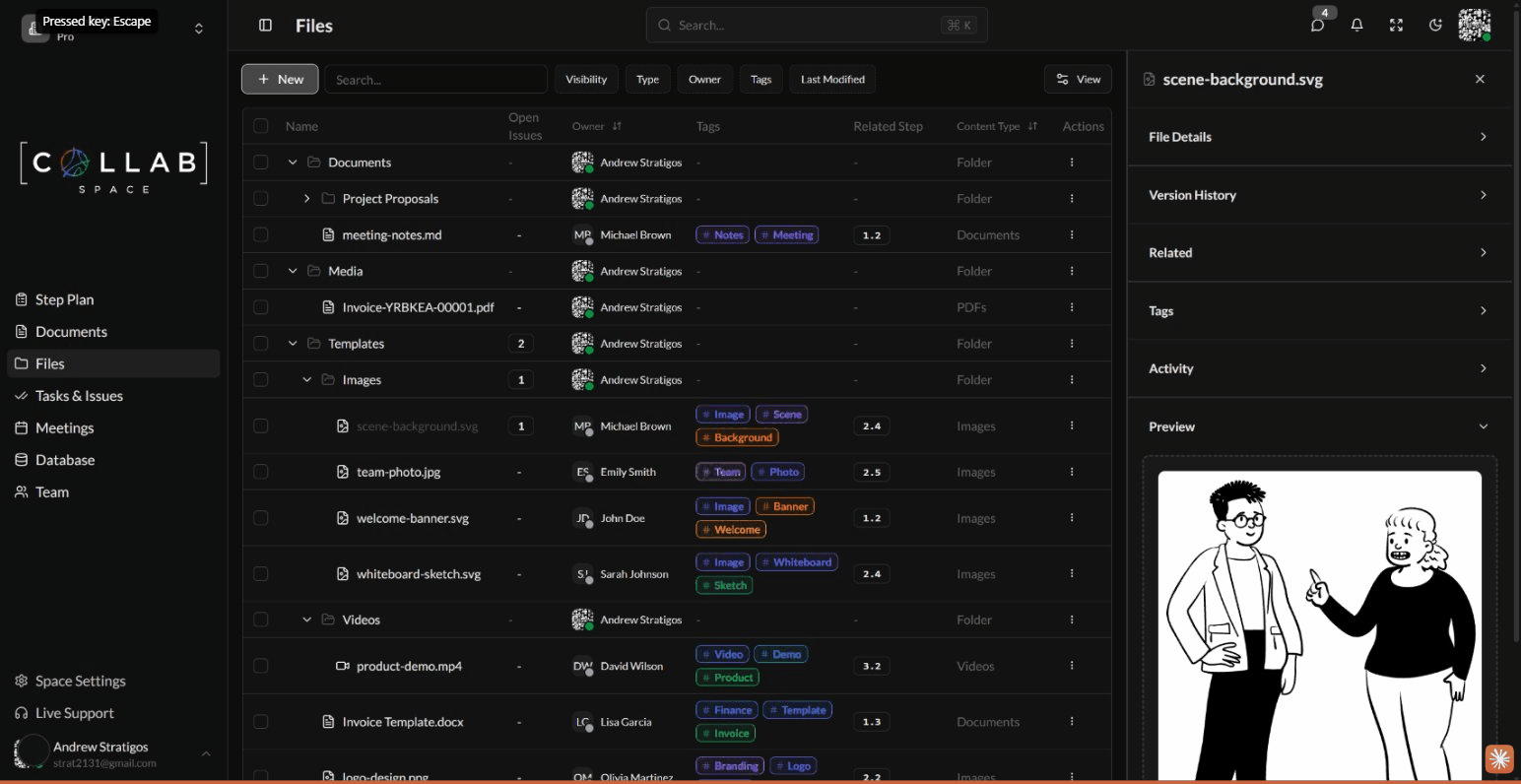
To access the Meetings app, navigate to Meetings in the sidebar or go to /apps/meetings in your workspace.
When you open the Meetings app, you'll see your meetings organized in either a List View or Calendar View. You can switch between views using the View button in the top-right corner.
The default list view displays meetings in a sortable table with the following columns:
| Column | Description |
|---|---|
| ID | Unique meeting identifier (MEET-001, MEET-002...) |
| Meeting Title | The meeting name with optional tags |
| Status | Current status (Draft, Scheduled, In Progress, Completed, Cancelled) |
| Date & Time | When the meeting is scheduled |
| Participants | Team members, teams, or organizations invited |
| Actions | Quick access to edit, duplicate, or manage the meeting |
Switch to Calendar View to see your meetings displayed on a visual calendar. This view helps you: