


Previous
ShortcutsNext
Working with DocumentsCreate, edit, and collaborate on rich text documents, and manage uploaded files — all with version control, folder organization, and granular permissions.
The Documents app provides a comprehensive document management system for teams, combining a hierarchical folder structure with a rich text editor, automatic version control, and deep integration with your project workflow. Whether you're writing specifications, meeting notes, or project documentation, the Documents app keeps your content organized, versioned, and accessible.
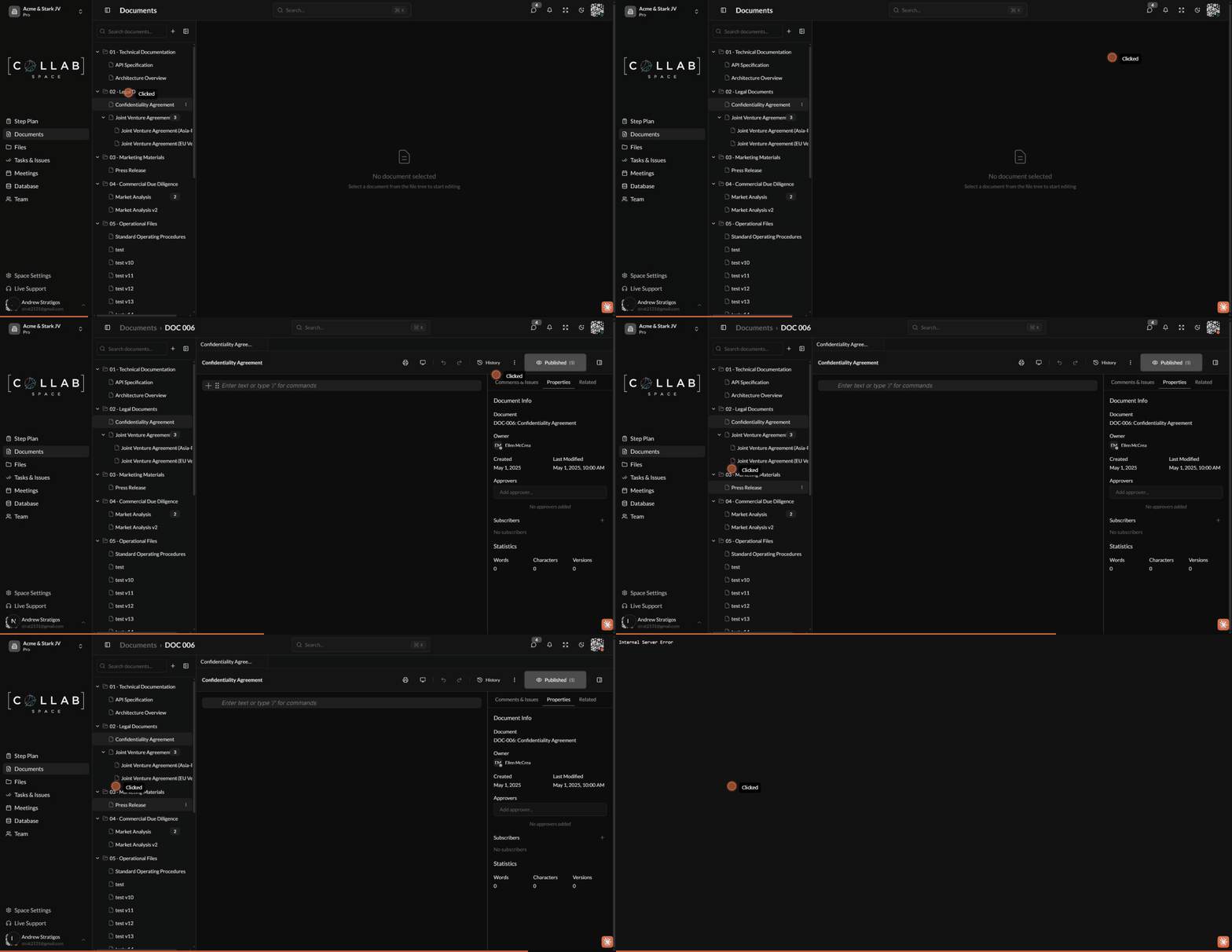
To access the Documents app, navigate to Documents in the sidebar or go to /apps/documents in your workspace.
The Documents app uses a three-panel layout for efficient document management:
Three tabs provide additional context:
| Tab | Contents |
|---|---|
| Comments & Issues | Linked issues and inline comments from the document |
| Properties | Document metadata, owner, dates, version history, and tags |
| Related | Cross-references to issues, meetings, and files |
| Feature | Description |
|---|---|
| Rich Text Editing | Block-based WYSIWYG editor with formatting, lists, tables, and code blocks |
| Real-time Collaboration | Y.js-powered sync with automatic conflict resolution |
| Version Control | Snapshot-based versioning with commit messages |
| Folder Organization | Hierarchical structure with unlimited nesting |
| Document Variants | Create alternative versions for regions, audiences, or drafts |
| Inline Issue Marking | Highlight text and create linked comments, tasks, or risks |
| Access Control | Granular permissions with inheritance support |
| File Upload | Drag-and-drop or dialog-based upload with auto-versioning |
| File Preview | Native viewers for PDFs, images, and videos |
| Project Integration | Link documents and files to issues, meetings, and milestones |
| Type | Description |
|---|---|
| Editor | Rich text document (TipTap) with real-time editing |
| Folder | Container for organizing documents hierarchically |
| Variant | Alternative version of an existing editor document |
| Uploaded PDF files with native browser preview | |
| Image | Uploaded images (JPG, PNG, GIF, SVG, WEBP) |
| Video | Uploaded video files with native player |
| Word | Microsoft Word documents (.doc, .docx) |
| Excel | Microsoft Excel spreadsheets (.xls, .xlsx) |
| PowerPoint | Microsoft PowerPoint presentations (.ppt, .pptx) |
| File | Any other uploaded file type |