


Previous
ShortcutsNext
Working with MilestonesPlan, track, and deliver complex projects with visual milestone planning.
The Milestones app helps you break down complex projects into manageable phases and actionable steps. With visual progress tracking, team assignments, and dependency management, you can keep your entire team aligned on project timelines and deliverables.
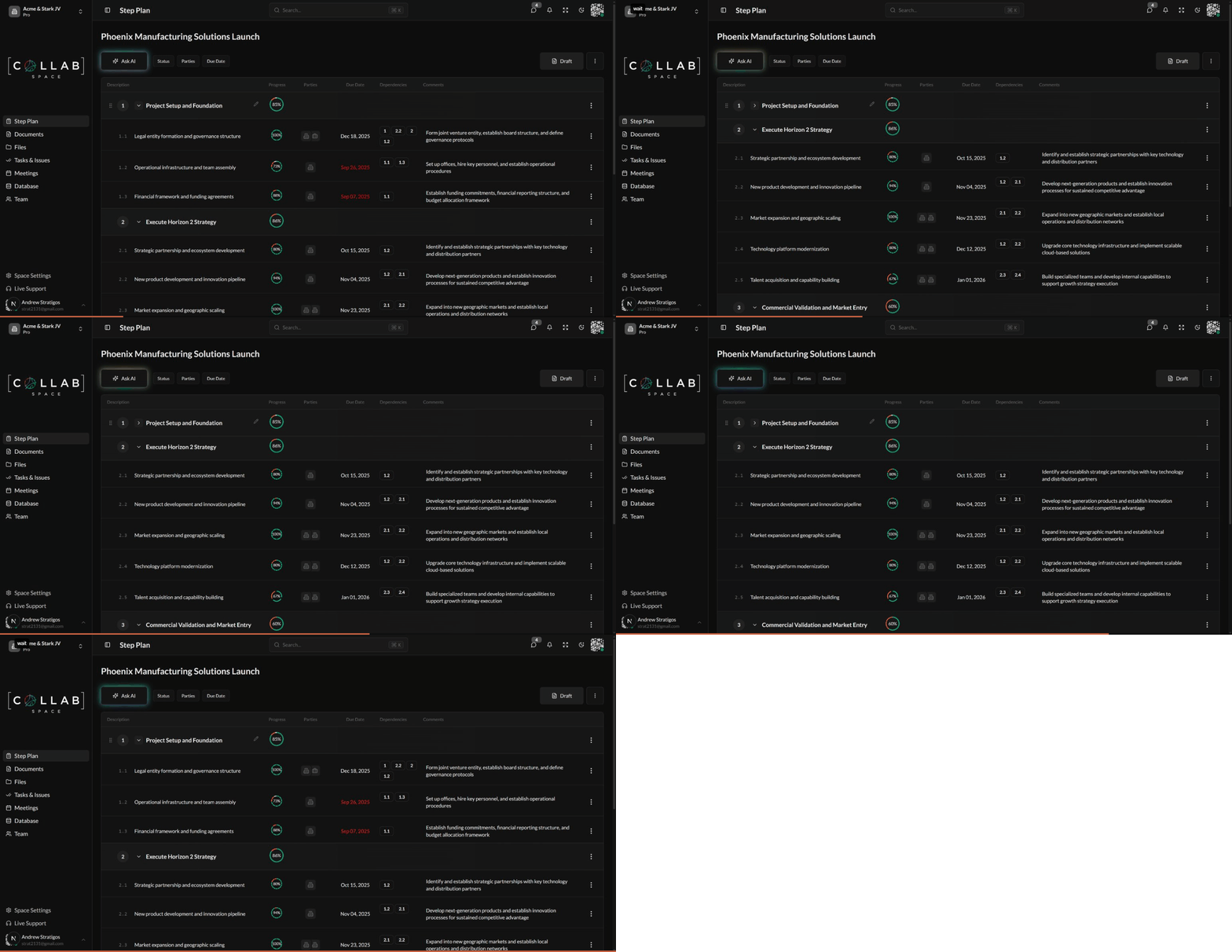
To access the Milestones app, navigate to Step Plan in the sidebar or go to /apps/milestones in your workspace.
When you open the Milestones app, you'll see your milestone plan organized as a hierarchical list:
Each row displays the following information:
| Column | Description |
|---|---|
| Description | The sequence number (1, 1.1, etc.) followed by what needs to be accomplished |
| Progress | Circular indicator showing completion percentage with color-coded segments |
| Parties | Team members, teams, or organizations responsible |
| Due Date | When the step should be completed (shown in red if overdue) |
| Dependencies | Other milestones or steps that must be completed first (shown as numbered badges) |
| Comments | Additional notes or context |